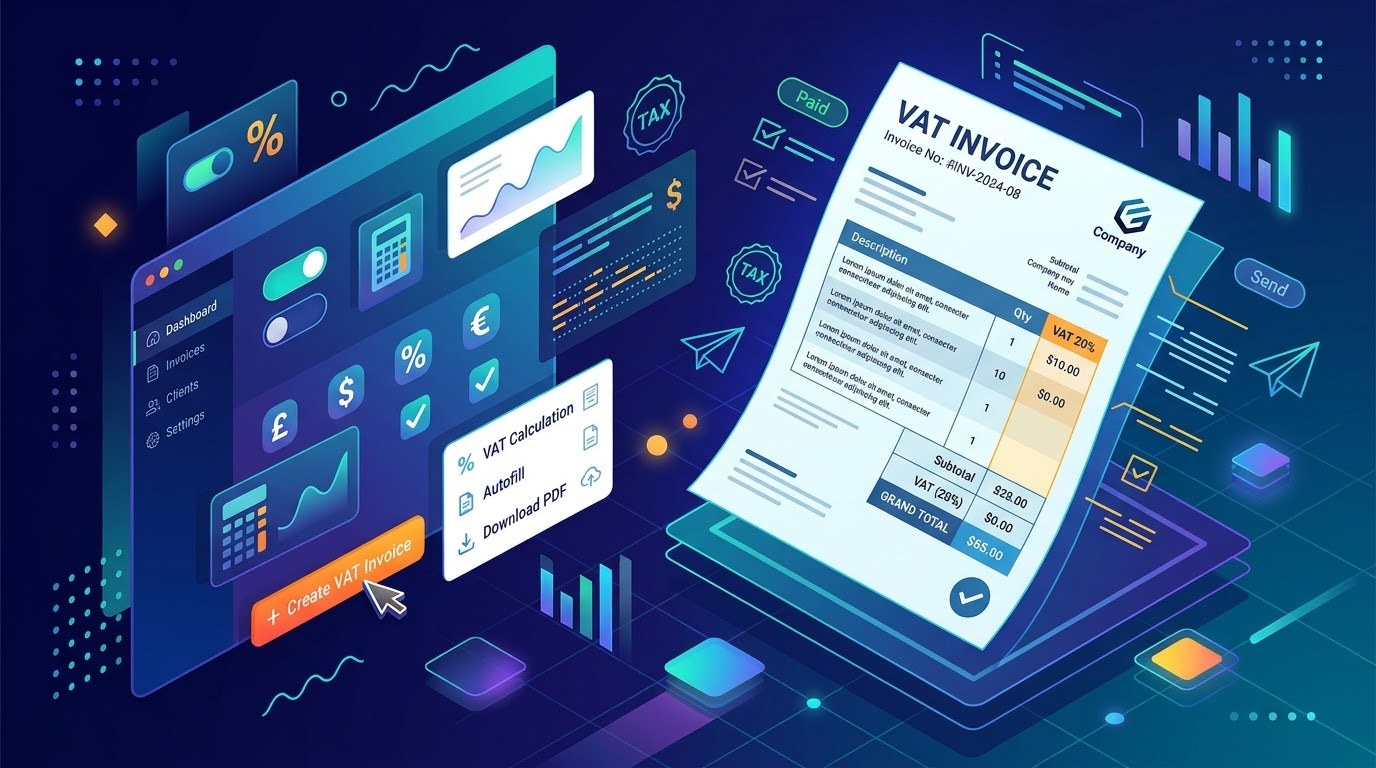
Per-line VAT rates, an automatic VAT breakdown table and a reverse-charge option for intra-EU sales — assembled into a professional invoice PDF in your browser. Free, unlimited, no signup, and nothing is ever uploaded.
By Amir Shahzad · Last updated October 23, 2026 · Data: in-browser processing
| Description | Qty | Unit price | VAT % |
|---|
A Berlin-based designer invoices a German client: one homepage redesign and three months of maintenance. Services are taxed at 19% in Germany (2026). The pre-filled form above uses exactly these figures — press Generate to see the finished PDF.
| Line | Net | VAT 19% | Gross |
|---|---|---|---|
| Web design — homepage redesign (1 × €850) | €850.00 | €161.50 | €1,011.50 |
| Monthly maintenance (3 × €120) | €360.00 | €68.40 | €428.40 |
| VAT breakdown — 19% row | €1,210.00 | €229.90 | €1,439.90 |
Illustrative figures: enter your real amounts and your country's actual VAT rates. The reverse-charge checkbox is for sales to business buyers in other EU member states — it zeroes the VAT and prints the Article 196 statement on the invoice.
| Country | Standard rate | Common reduced rate |
|---|---|---|
| Germany | 19% | 7% (books, food) |
| France | 20% | 5.5% / 10% |
| Spain | 21% | 10% / 4% |
| Italy | 22% | 10% / 5% / 4% |
| Netherlands | 21% | 9% |
Rates change — verify the current rate with your country's tax authority (e.g. BMF for Germany, Belastingdienst for the Netherlands) before invoicing. This is a document formatter, not tax advice.
Yes — unlimited VAT invoices, every field, PDF download, forever. No trial, no watermark, no account. The VAT math runs in your browser, so there is nothing to meter.
Under the EU VAT Directive, a VAT invoice must show the seller's and buyer's VAT identification numbers, the VAT rate applied to each line, the VAT amount per rate and the total. This creator includes VAT ID fields, per-line VAT rates and an automatic VAT breakdown table covering exactly that.
Yes — each line item has its own VAT rate column. That is the normal EU pattern: for example 19% on services and 7% on books in Germany, or 20% and 5% in France. The breakdown table groups lines by rate automatically.
For intra-EU business-to-business sales where the buyer accounts for the VAT themselves (Article 196 of the EU VAT Directive), the option zeroes all VAT lines and prints the required reverse-charge statement on the PDF. Use it only when your sale genuinely qualifies.
No. The creator works the moment the page loads. There is no account and no email capture — the form clears on refresh, so download your PDF before leaving.
Only in this browser tab while you type. The PDF is assembled on your own device with a JavaScript library — client names, VAT numbers and amounts are never uploaded to any server.
Yes — the currency dropdown covers EUR, USD, GBP and more. The VAT structure works the same way; just make sure the rates and VAT IDs match the tax rules of the country you invoice from.
VAT rules reference: Council Directive 2006/112/EC (EU VAT Directive); national rates via your country's tax authority (BMF, Belastingdienst, AEAT, Urssaf…). Figures in examples are illustrative, not tax advice — confirm rates and reverse-charge eligibility with your accountant. By Amir Shahzad · Last updated October 23, 2026.
This creator is built for VAT invoices — every line gets its own VAT rate, with a VAT breakdown table and a verified 2026 VAT-rates reference. For a plain business invoice use the invoice generator; for freelance invoicing with a reverse-charge toggle and IBAN and payment-details section, use the freelance invoice generator.
Card photos: Casey Serin / Wikimedia Commons, CC BY 2.0
Educational content only. Nothing on this site is legal or professional advice.
 Free PDF Toolkit