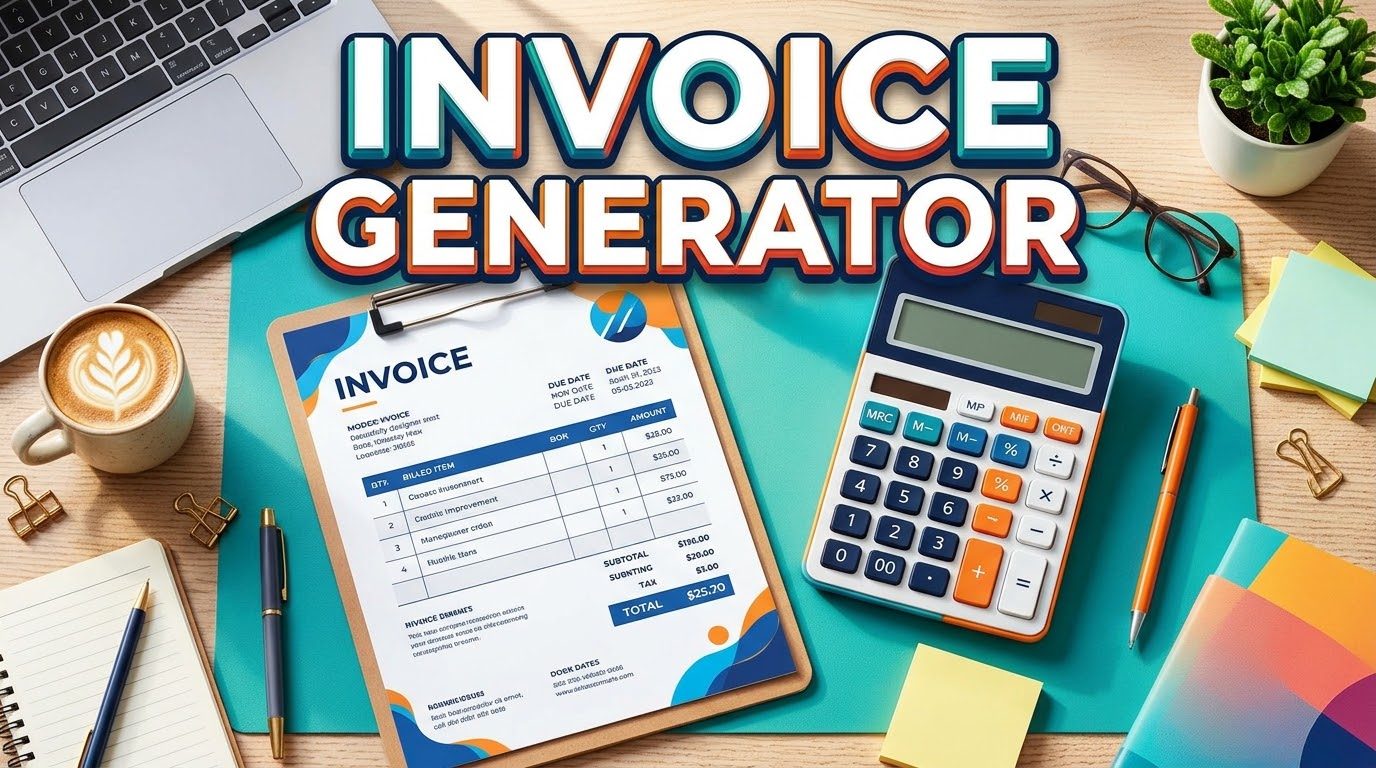
Fill in the form below, add your line items and VAT, and download a professional invoice PDF in seconds. It is free, unlimited, and watermark-free — and the PDF is built on your own device, so your business and client details are never uploaded anywhere.
| Description | Qty | Unit price | Amount |
|---|
Server-based generators receive your clients' names, addresses and billing amounts. Ours never does — the PDF is assembled by JavaScript on your device. Verify it yourself in the Network tab: no upload happens. Our safety guide explains the difference.
Seller and buyer VAT IDs, sequential invoice numbers, per-line quantities and unit prices, the tax rate and the tax amount — the fields EU invoices legally require are all here. Pair with our VAT-compliant invoice guide so the paperwork matches the tool.
Bill a Berlin client in EUR with 19% VAT and a London client in GBP with 20% VAT on the same page. Set any label — VAT, GST, sales tax — and any rate; the maths is instant.
The output is a genuine, searchable A4 PDF document generated with a real PDF library — crisp at any zoom, professional on screen and in print, and accepted everywhere invoices go.
Your invoice carries zero generator branding — just your business and your numbers. No trial clock, no "Pro" upsell gating the download, no email capture.
Need a signature on the invoice? Run the finished PDF through our free PDF signer — also 100% in-browser.
This tool makes beautiful invoices; it doesn't track who paid, send reminders, or file your taxes. For bookkeeping and tax returns, use proper accounting software — and keep every downloaded PDF as your record.
Fields are provided for VAT IDs and tax rates, but whether you must charge VAT, at what rate, and under which scheme depends on your country and registration status. Check your national tax authority or an accountant.
Because nothing is uploaded, nothing is stored for you either. Download each invoice before leaving the page and file it in your own records.
The invoice uses a standard PDF font for maximum compatibility, so exotic scripts and emojis in names are simplified. Keep names and addresses in standard Latin characters for the cleanest output.
Affiliate disclosure: This page contains an affiliate link. If you buy through it, Free PDF Toolkit may earn a commission at no extra cost to you. See our Affiliate Disclosure.
Invoices go out by email, and a free mailbox address does not look like a business. MailCheap provides private email hosting for your own domain, so your invoices arrive from a professional address you control.
Yes — unlimited invoices, every field, PDF download, forever. No trial, no watermark on your invoice, no account, no payment details. It runs entirely in your browser, so there is nothing to meter.
No. The generator works the moment the page loads. There is no account, no email capture, and no login — which also means the form clears if you refresh, so download your PDF before leaving.
Only in this browser tab while you type. The PDF is assembled on your own device with a JavaScript PDF library — your business details, client names and amounts are never uploaded to any server, which is exactly how client-confidential invoicing should work.
Yes. Set any tax label (VAT, GST, sales tax) and any rate; totals calculate automatically with live preview. Choose from 17 currencies including EUR, USD, GBP, CHF and JPY — the symbol updates across every line and total instantly.
Yes. The PDF is generated as a true document (not a screenshot) with a clean A4 layout: your business header, invoice number and dates, bill-to block, itemized table, subtotal, tax and a bold total due, plus your notes and payment terms. There is no generator branding on the invoice.
It includes fields for everything the EU VAT Directive requires: sequential invoice number, issue and due dates, seller and buyer VAT IDs, line-item quantities and unit prices, the VAT rate and the VAT amount. Read our VAT-compliant invoice guide for the full checklist before sending invoices across borders.
An invoice is sent BEFORE payment to request money for delivered goods or services — it carries payment terms and a due date. A receipt is issued AFTER payment to confirm money received, and records the payment method and date paid. This generator makes invoices; once you are paid, issue a receipt acknowledging it.
Yes. In most countries, sole traders and freelancers invoice under their own name — put your full name (and your trading name, if you use one) in the Business name field, together with your address and your tax ID if you have one. The layout, line items and totals work exactly the same; only the details you type change. If you are not sure what your invoices must show, check your local tax authority's rules — this tool is not tax advice.
This is the general invoice generator — the everyday tool for any business that bills clients. If you invoice as a freelancer, use the freelance invoice generator, which adds a reverse-charge toggle and an IBAN and payment-details section. If every line needs its own VAT rate, use the VAT invoice creator, with per-line VAT rates and a VAT breakdown table.
What every EU invoice must contain — the full legal checklist.
Read the guide →Card photos: Press Service of the President of the Republic of Azerbaijan / Wikimedia Commons, CC BY 4.0 · Jeremy Corbyn / Wikimedia Commons, CC BY 2.0
Educational content only. Nothing on this site is legal or professional advice.
 Free PDF Toolkit